
YouTube Chapter Generator (100% FREE)
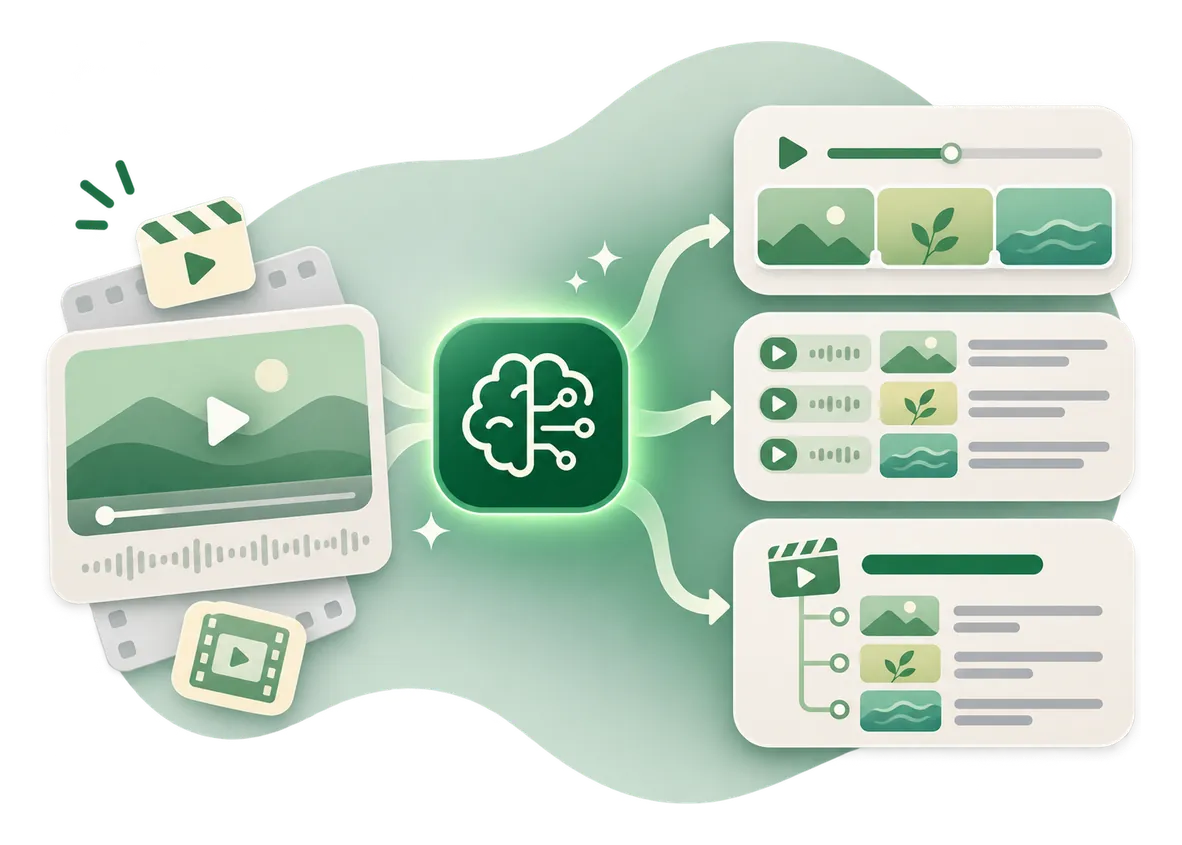
This YouTube chapter generator turns a timestamped transcript or your chapter notes into a clean chapter list you can edit and add to your YouTube description.
Make long videos easier to navigate.
Free, no signup. Times are read from what you paste, never guessed. Rewriting titles with AI is optional. Exact chapter times require timestamps, so plain text without timecodes cannot produce verified timings.
Your chapter list shows up here, ready to edit and paste into your video description.
How it works
How to use the YouTube Chapter Generator in three steps.
- Step 1
Paste your timestamps
Copy a timestamped transcript or type the times where topics change.
- Step 2
Generate and edit
Adjust the chapter titles and times.
- Step 3
Validate and paste
Check the validation messages, then paste the list into YouTube Studio's video description.
Examples
YouTube chapters, built from real timestamps.
Illustrative inputs only. In every case the times come from the input, never from the tool.
Product test video
Input: 00:00 Welcome / 01:20 The problem / 03:45 Test results / 06:30 Conclusion, length 07:15. All times come from the input. Only the titles were rewritten.
Result0:00 Introduction / 1:20 What We're Testing / 3:45 Results and Lessons / 6:30 Final Takeaways
Recipe video
Input: 0:00 intro / 0:45 ingredients / 2:10 making the dough / 6:00 baking / 9:30 tasting, length 11:00. Five chapters, each well over 10 seconds, starting at 0:00.
Result0:00 Intro / 0:45 Ingredients / 2:10 Making the Dough / 6:00 Baking / 9:30 Taste Test
Untimed notes
Input: Intro, setup, common mistakes, summary, with no timecodes. Without timecodes there's no reliable way to know when each topic starts.
ResultNo chapter list. The tool asks for timestamps.
Good to know
How chapters work, and why times matter.
How YouTube chapters work
Chapters divide a long video into clickable sections. YouTube's rules require the first timestamp to begin at 00:00, at least three timestamps, each chapter at least 10 seconds long, in ascending order. A validator can check formatting but can't guarantee your video or account will show chapters.
Why timestamps cannot be guessed
A plain transcript without timing can't tell a program whether an explanation started at 2:10 or 4:20. Bring real timecodes from subtitles, a video editor or notes made while reviewing the footage. AI may improve labels but never invents times.
Sources
Chapter rules come from YouTube Help on video chapters, checked October 2026.
FAQ
Questions, answered.
How do I add chapters to a YouTube video?
Put correctly formatted timestamps and titles in the video description in YouTube Studio, starting with 0:00, then save.
How many chapters do I need?
At least three timestamps, each chapter at least 10 seconds long.
Does the first timestamp need to be 0:00?
Yes.
Can I make chapters from an untimed transcript?
You can draft titles, but reliable times need timecodes. This tool won't invent them.
Why aren't my chapters appearing?
Check the starting timestamp, number of chapters, minimum length and video or account eligibility.
Can I edit the generated chapters?
Yes. Every time and title is editable before you copy.


Want video that brings in customers?
I help brands plan social and video content that reaches the right audience and turns viewers into buyers.
See social media marketing