
Free LinkedIn tools
Free LinkedIn About Section Generator
Free LinkedIn About section generator for a summary that sounds like a person, not a resume pasted into a box. Tell us what you do and what matters to you, choose a goal, add any real results you want mentioned, and get a clear summary you can edit and copy.
Your words, your facts
Who is this About section for?
Required fields are marked. Everything else is optional, but one real detail makes a big difference.
Three steps
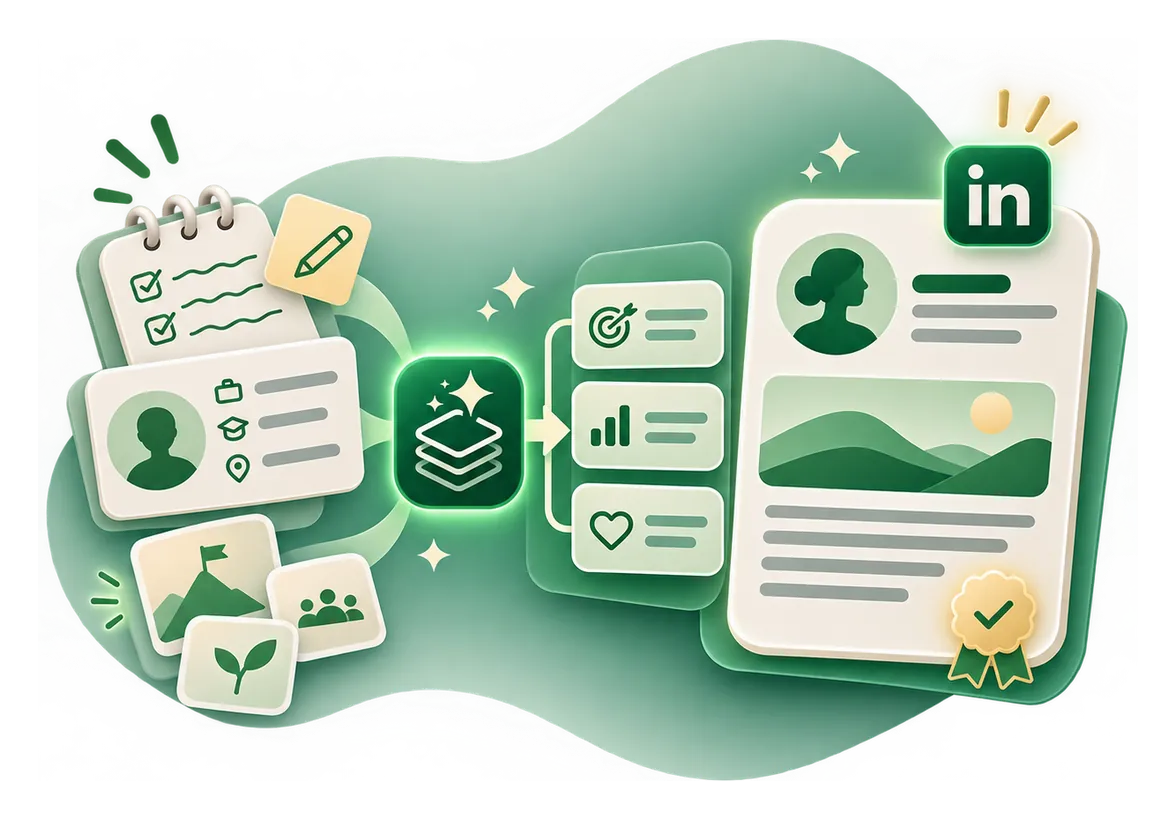
How to use the free LinkedIn About Section Generator
- Step 1
Choose the right goal
Pick the profile type, audience or use case so the result fits what you are trying to do.
- Step 2
Add the details you know
Required facts are clearly marked. Anything else is optional, but a real example usually improves the output.
- Step 3
Review and copy
Read the summary, make it sound like you and check the facts before adding it to LinkedIn. Not right yet? Refine it or try another version.

Your result
What you get from the About section tool
- One About section with a clear opener, real examples of your work and a natural close.
- Short, Medium or Detailed lengths, always under LinkedIn's 2,600 characters.
- A live count and a preview showing roughly where “see more” cuts in.
- No made up numbers, employers, degrees or job titles.
The practical guide
What is a LinkedIn About section?
The About section is where you explain your work, interests and direction in your own words. Unlike the headline, it gives you room for context and examples.
Guide
How to write a LinkedIn summary
Introduce what you do or want to do. Give a few relevant examples of your work. Explain who your skills help or what problems interest you. End with a clear next step when appropriate.
Guide
How long can a LinkedIn About section be?
The widely documented limit is 2,600 characters. That is not a recommended target. Put the most useful information early because the displayed preview is shorter and varies by device.

Guide
LinkedIn About for students and graduates
You do not need a long work history. Mention what you are studying, projects you completed, tools you have used and the roles you want to explore.
Guide
LinkedIn About for people changing careers
Separate what you have done from where you want to go. Show transferable skills through projects or responsibilities rather than implying you already hold a new title.
Guide
LinkedIn About for founders and consultants
Describe the people you work with, the work you do and evidence that makes the service credible. Avoid invented client wins or a pushy sales paragraph.
Guide
How to improve a generic AI summary
Remove claims you cannot prove. Replace “results driven professional” with a real responsibility. Cut repetition. Rewrite phrases you would never say in conversation. The refine buttons help, but your own edit is the final word.
Guide
Headline vs About vs Experience
Your headline introduces your role. Your About explains your professional story. Your Experience entries document what you did in specific roles. Do not repeat the same text three times.

Examples to copy and adapt
Examples you can learn from
These examples are illustrative, not claims about any real person.
Student
I am studying business analytics and learning how to turn messy data into useful decisions. Recent projects have included spreadsheet modelling and dashboard design. I am exploring entry level analyst opportunities.
Consultant
I help small businesses make their websites easier to find and use. My work focuses on practical SEO, content planning and clearer customer journeys. If you are improving your site, I would be glad to connect.
Career changer
My background is in customer support, where I learned to translate user problems into clear next steps. I am now building product operations skills through coursework and hands on projects.

Common mistakes
Mistakes to avoid
Trying to sound impressive instead of clear
Use language a real reader would understand.
Letting AI add details you never provided
Review every job title, project and statistic, especially when you paste a resume or job listing.
Writing for the character limit instead of the reader
Short enough to be understood is more important than filling the entire field.
Treating a draft as something already published
This tool generates text. A human chooses what to post or add to LinkedIn.
Questions, answered